How to Get a Website Domain?
How to buy a domain (website address)
How to Get a Website Domain? Are you planning to create a website and want to reserve an internet address, also known as a domain, for it in advance?
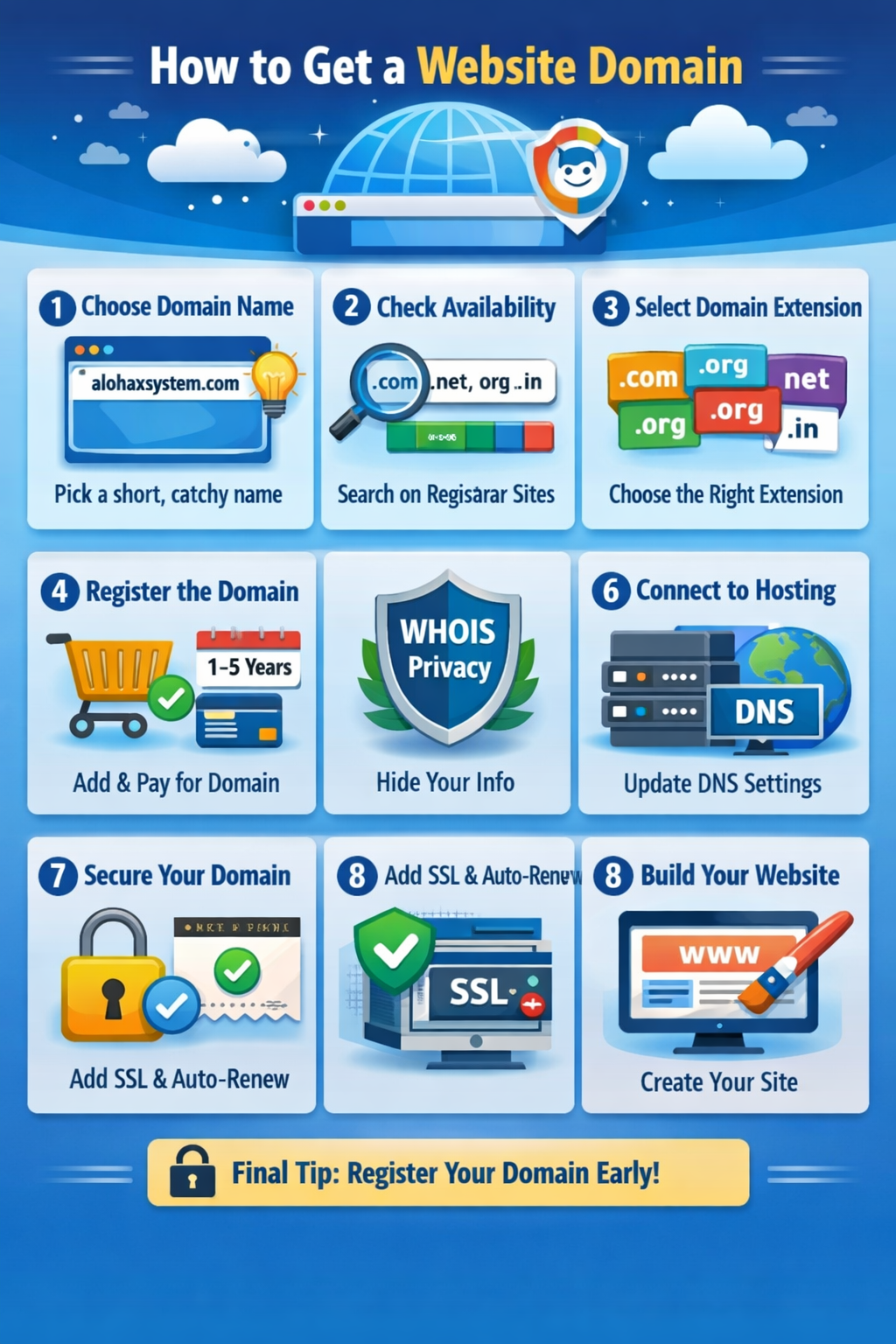
It’s easy to do ! Here you will find the most important information about how to buy a domain , what you need to know before purchasing a domain and when you already have it. You will also learn how and where to check if the address you have come up with for your website is not taken, and if it is not taken – how to purchase it immediately:
- Who can purchase a web address, and how much does a web address cost?
- Can an internet address be resold or transferred to another person or company?
- How to check if a web address is available
- How to purchase a domain
Who can buy a domain, and how much do web addresses cost?
Anyone can purchase an internet address. You don’t need to have a business, company, etc. Also, domain prices usually don’t differ for individuals and legal entities.
Internet addresses are not purchased permanently – they are reserved, or in other words, rented for a certain period of time. Typically, you can rent a domain for one year or longer.
When you purchase a domain yourself from a reliable company that provides this service, you don’t have to worry that the domain will immediately go to someone else after the payment deadline. Usually, domains are only allowed to be purchased by the previous owner for at least a couple of months after the lease expires. There is also no possibility of transferring the domain to other hands without the owner’s knowledge and permission.
New and unregistered domains, depending on their ending (.lt, .com, .org and other popular ones) cost from a few euros per year. However, domains with rarer or more exotic endings (.tech, .photography, etc.) can cost several dozen or even more euros per year.
Is it possible to resell or transfer an internet address (domain) to another person or company?
It is possible to transfer a domain to another individual or company. However, this is done officially, using special tools provided by the domain rental company.
When a domain is purchased, it is officially registered in the name of the purchasing individual or company, and therefore, when transferred to other hands, it must be officially transferred by changing the owner’s information in the data registry.
For those who are insightful and follow the trends in domains or their names, domain trading can be a serious business – a domain purchased on time and wisely for a few euros can later cost thousands of euros when resold – here you can see how much it costs, purchase or even sell internet addresses yourself – Flippa website and domain resale portal .
How to check if a web address is available
To check if your desired domain is not already in use by someone else, visit this page – Hostinger Domains .
Enter any domain in the domain search field. It usually consists of a string of characters without spaces, a period, and an ending. For example, visaiapaprasta.lt, facebook.com, and so on. There is no need to enter the letters www before the domain.
How to check if the required domain is available
If the web address is already in use by someone else, you will be notified in the same window, and you will not be allowed to purchase this domain.
How to purchase a domain
If you’ve already decided on the domain you want and are sure it’s not taken, purchasing it is very easy. Just add the domain to your cart on the Hostinger domains page , and then you can purchase it like any other product in the e-store.
Where to buy a domain
When you open your cart, Hostinger will likely offer not only a domain, but also website hosting at a discount.
How to register an internet address – domain
When you purchase an internet address from Hostinger, you will be provided with all the information on how to manage or redirect the purchased domain.
It is most convenient to purchase hosting and domain from the same company – then all management tools are in one place, and you don’t have to worry about redirects, name servers, and other specific functions. Everything is conveniently accessible in one control panel.
Contact to AlohaX System